Free · ZIP · PNG + CapCut · TikTok, Shorts and Reels
Free GTA 6 Clipper Pack: Get Paid for Your Clips
Get paid for GTA 6 clips: free 9:16 borders and hooks built for the two things that pay clippers — approved views on paid campaigns and watch time on your own channel.
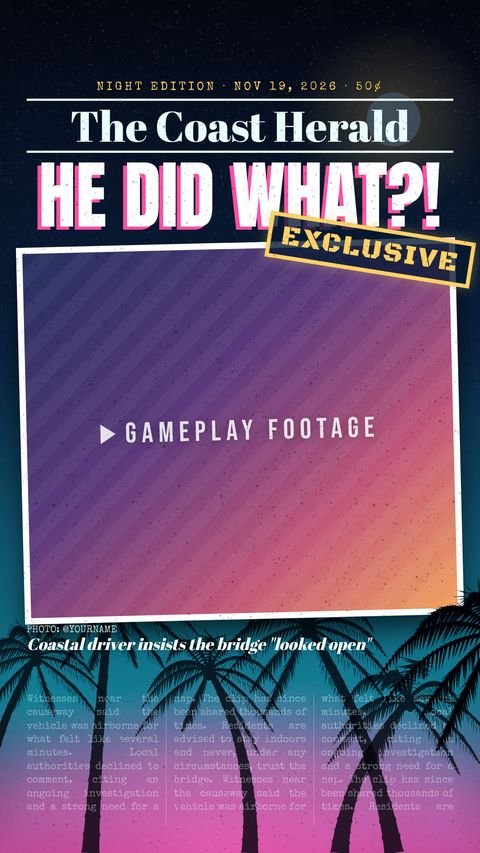
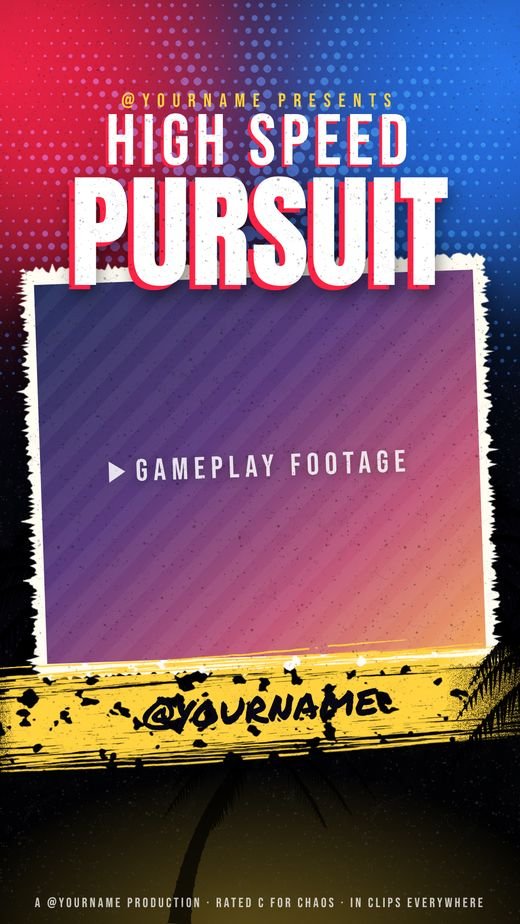
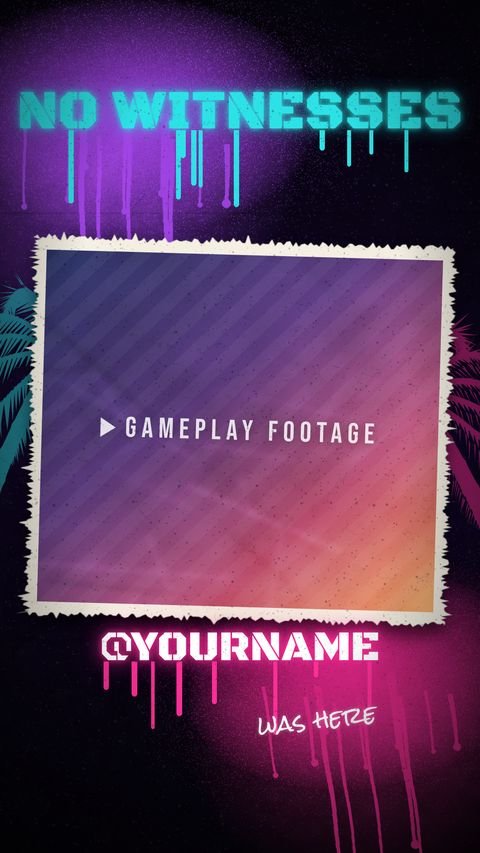
- 5 vertical 9:16 borders that make your clips look like a channel, not a repost
- 25 first-second hook lines, because views are what clippers get paid on
- A CapCut template: drop in a clip, export, post — more clips per hour
 FREE
The short answer
You can make money clipping GTA 6 in two ways: paid clipping campaigns, which pay per 1,000 views on approved clips and need no followers, and platform payouts such as TikTok Creator Rewards (10,000 followers) and YouTube Shorts ads (1,000 subscribers). The free GTA OBS Clipper Starter gives you the borders, hooks and template to post faster and get more views.
What's inside
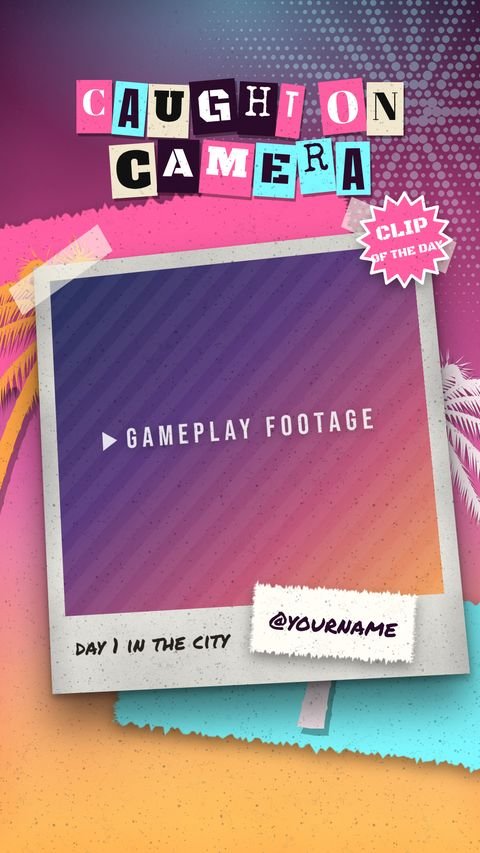
- 5 vertical 9:16 borders that make your clips look like a channel, not a repost
- 25 first-second hook lines, because views are what clippers get paid on
- A CapCut template: drop in a clip, export, post — more clips per hour
- A safe-zone guide so app buttons never cover your text on TikTok, Shorts or Reels
- The money map: which payouts need followers and which pay from your first clip
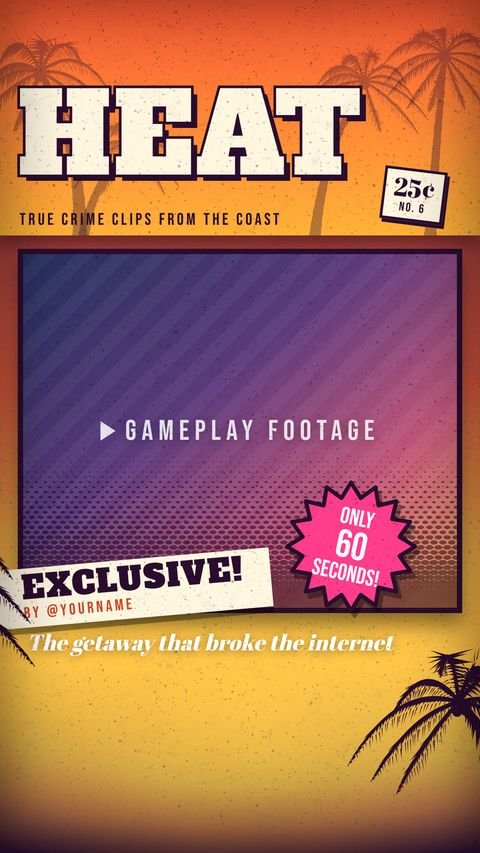
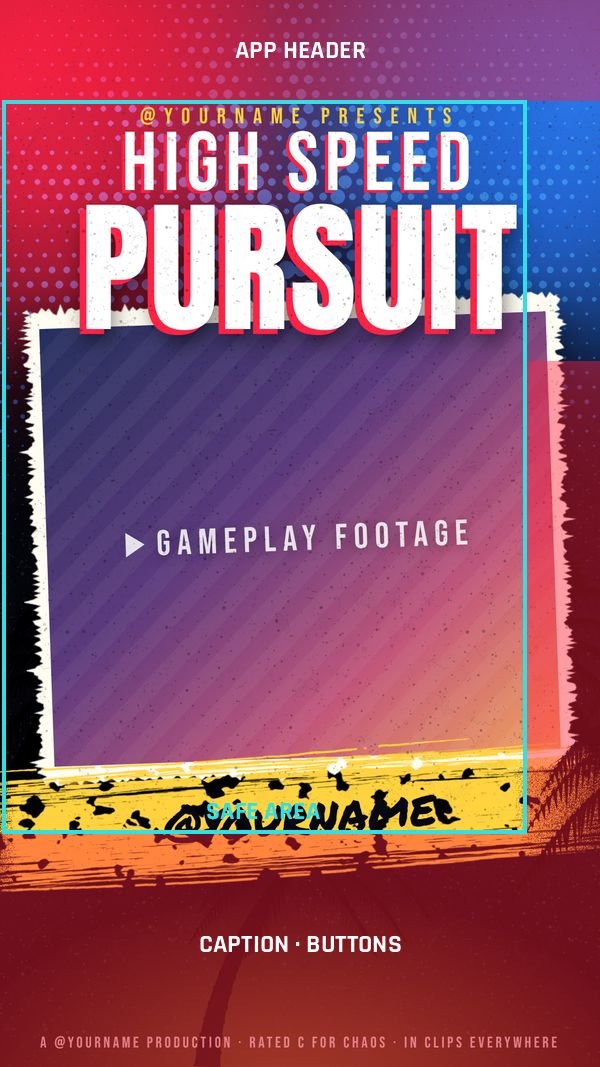
How clippers get paid
Clipping pays on views, so everything in this pack is built to get more of them, faster.
- Paid clipping campaigns, from day one. Streamers and brands pay a set rate per 1,000 views on approved clips you post to your own TikTok, Shorts, Reels or X. No follower minimum. How paid clipping programs work.
- TikTok Creator Rewards, once you grow. 10,000 followers, 100,000 views in the last 30 days, and only videos of at least one minute earn. The full requirements.
- YouTube Shorts ad revenue. 1,000 subscribers plus 10 million qualified Shorts views in 90 days. How Shorts monetization works.
Why the pack gets you more views
Thousands of people post the same GTA 6 moments every day. The clip itself stops being the difference. Three things decide who gets paid:
- The first second. If viewers swipe, the clip earns nothing. The 25 hook lines are written for that first second. More on hooks.
- Recognition. When someone sees your border on their third clip, they follow, and followers are what unlock Creator Rewards and Shorts ads.
- Volume. More good clips means more chances to hit. The CapCut template turns a clip into a finished post in minutes.
How to use it
- Open the CapCut template, or put a border PNG on the top layer of a 1080×1920 project.
- Drop your clip underneath, swap in a hook line, export at 1080p and post. Step-by-step: adding a border to your clips.
- For campaigns, check each campaign's rules on overlays and required tags before you post.
Original art, and not affiliated
Every border is original. No Rockstar logos, characters, screenshots or trailer frames, so they're safe on monetized accounts. Only post footage you're allowed to post: see the rules on clipping other streamers. Earnings depend on your clips, the campaigns you join and platform rules; nothing here is a promise of income. GTA OBS is not affiliated with Rockstar Games or Take-Two Interactive.
Frequently asked questions
Can I make money clipping GTA 6 with no followers?
Yes, through paid clipping campaigns. They pay per 1,000 views on approved clips and have no follower minimum. Platform payouts like TikTok Creator Rewards need 10,000 followers first.
Is the clipper pack really free?
Yes. Enter your email and the download is on the next page. No card, no account. One email a week at most, unsubscribe in one click.
Does it work in CapCut, Premiere and on phone?
Yes. The borders are 1080×1920 PNGs that work in any editor, and the CapCut template works in CapCut on phone and desktop.
Will TikTok buttons cover the text?
No. Text on every border sits inside the safe area, away from the bottom fifth and right edge where TikTok, Shorts and Reels draw their buttons. The safe-zone guide shows exactly where.
Can I use them for paid clipping campaigns?
Yes, the borders are yours to use on any clips you have the right to post. Check each campaign's rules on overlays and required tags.
Ready? It's free.