Free · ZIP · OBS 30+ · Windows and Mac
Free GTA 6 Stream Overlay Starter Pack
Look like a real broadcast on day one: a free GTA 6-style overlay starter pack for OBS and your clips.
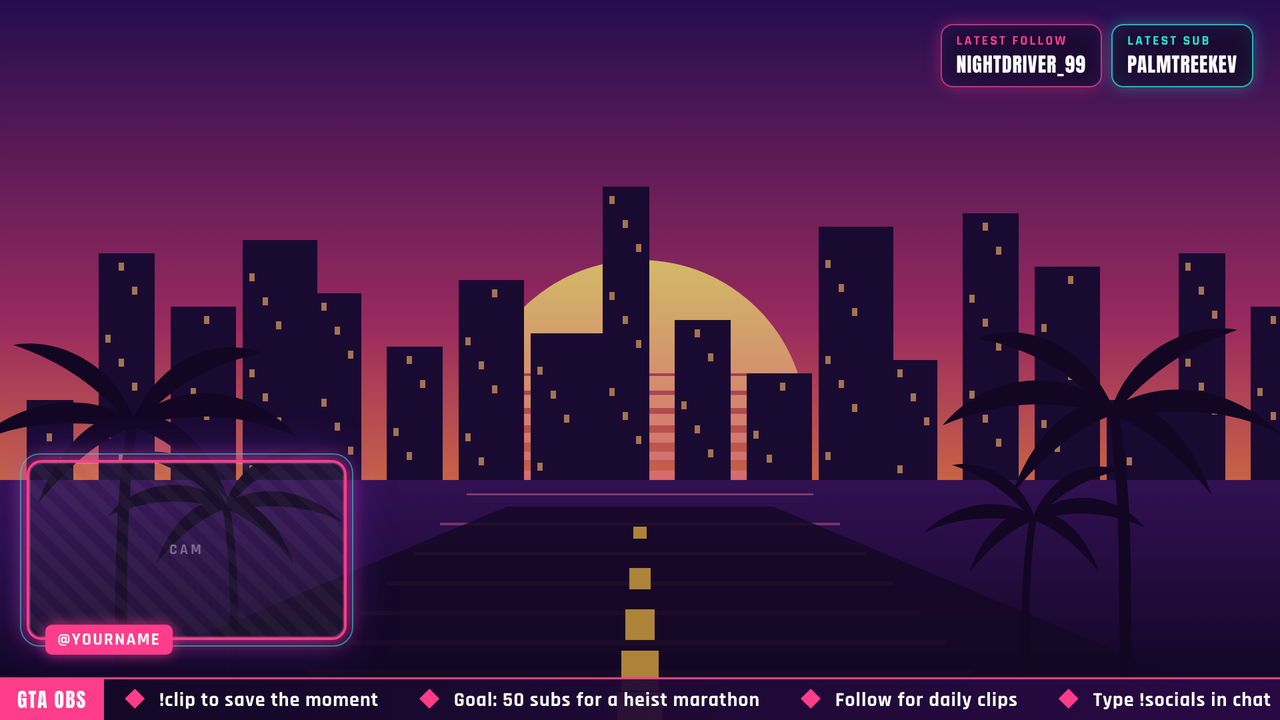
- A gameplay scene with a cam frame, ready for OBS
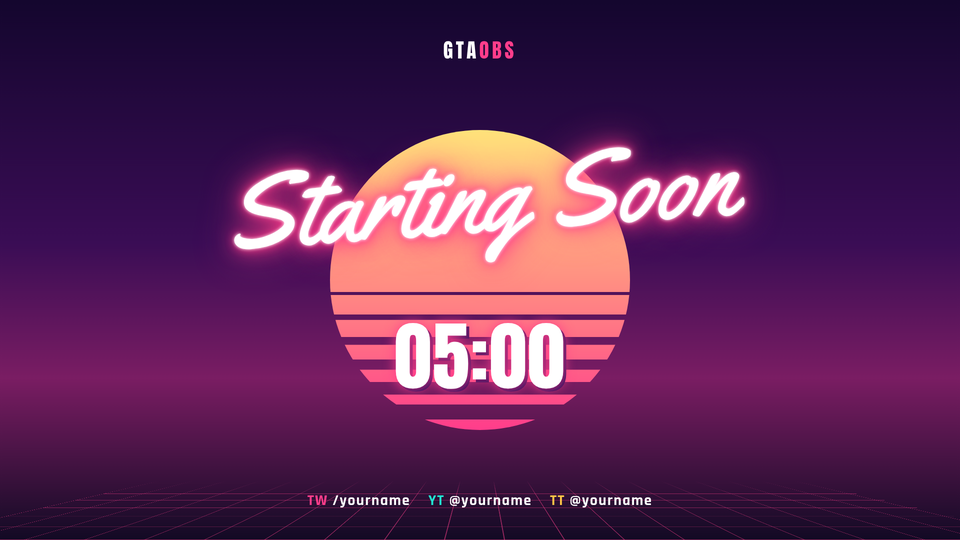
- Starting Soon and BRB screens in the neon-sunset style
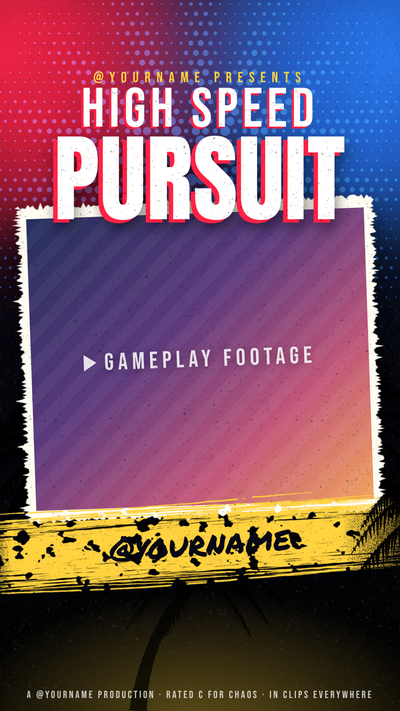
- Vertical 9:16 clip borders for TikTok, Shorts and Reels
 FREE
The short answer
The GTA OBS Starter Pack is a free set of original, GTA 6-style stream graphics for OBS Studio on Windows and Mac. It includes a gameplay scene with cam frame, Starting Soon and BRB screens, and vertical 9:16 clip borders. Enter your email to download it instantly. No card or account needed.
What's inside
- A gameplay scene with a cam frame, ready for OBS
- Starting Soon and BRB screens in the neon-sunset style
- Vertical 9:16 clip borders for TikTok, Shorts and Reels
- A 2-minute import video so it works the first time
Who it's for
- New streamers who want their first GTA 6 streams to look like a real channel.
- Console streamers on PS5 or Xbox using a capture card and OBS.
- Clippers who want their TikToks and Shorts to be recognisable at a glance.
How to install it
- Unzip the pack to a folder you won't move.
- In OBS: Scene Collection › Import, pick the file, click Import, then select it.
- Swap the placeholder sources for your capture card and webcam. Full walkthrough: how to add an overlay to OBS.
Original, and not affiliated
Every graphic is original. There are no Rockstar logos, characters, screenshots or trailer frames, so you can use the pack on monetized channels without putting someone else's trademarks on screen. GTA OBS is not affiliated with Rockstar Games or Take-Two Interactive.
Frequently asked questions
What do I need to use it?
OBS Studio (free) on Windows or Mac. To stream console gameplay you also need a capture card. See our console guide.
Will you spam me?
No. One email a week at most with new free scenes and guides, and you can unsubscribe in one click.
Can I use it on a monetized channel?
Yes, the pack's graphics are original and licensed for your streams and videos. You can't resell or redistribute the files.
Does it work with Streamlabs?
It's built for OBS Studio. You can use the images as sources in Streamlabs Desktop, but the one-click scene import is for OBS.
Ready? It's free.